
Free Download Available

Turn Your Phone Into an HD Webcam

iVCam transforms your iPhone or Android into a professional webcam for your Windows PC. Get 4K quality video, ultra-low latency, and seamless Wi-Fi or USB connection β€” no expensive webcam needed.

5M+ Downloads
4.3β˜… Rating
4K Support
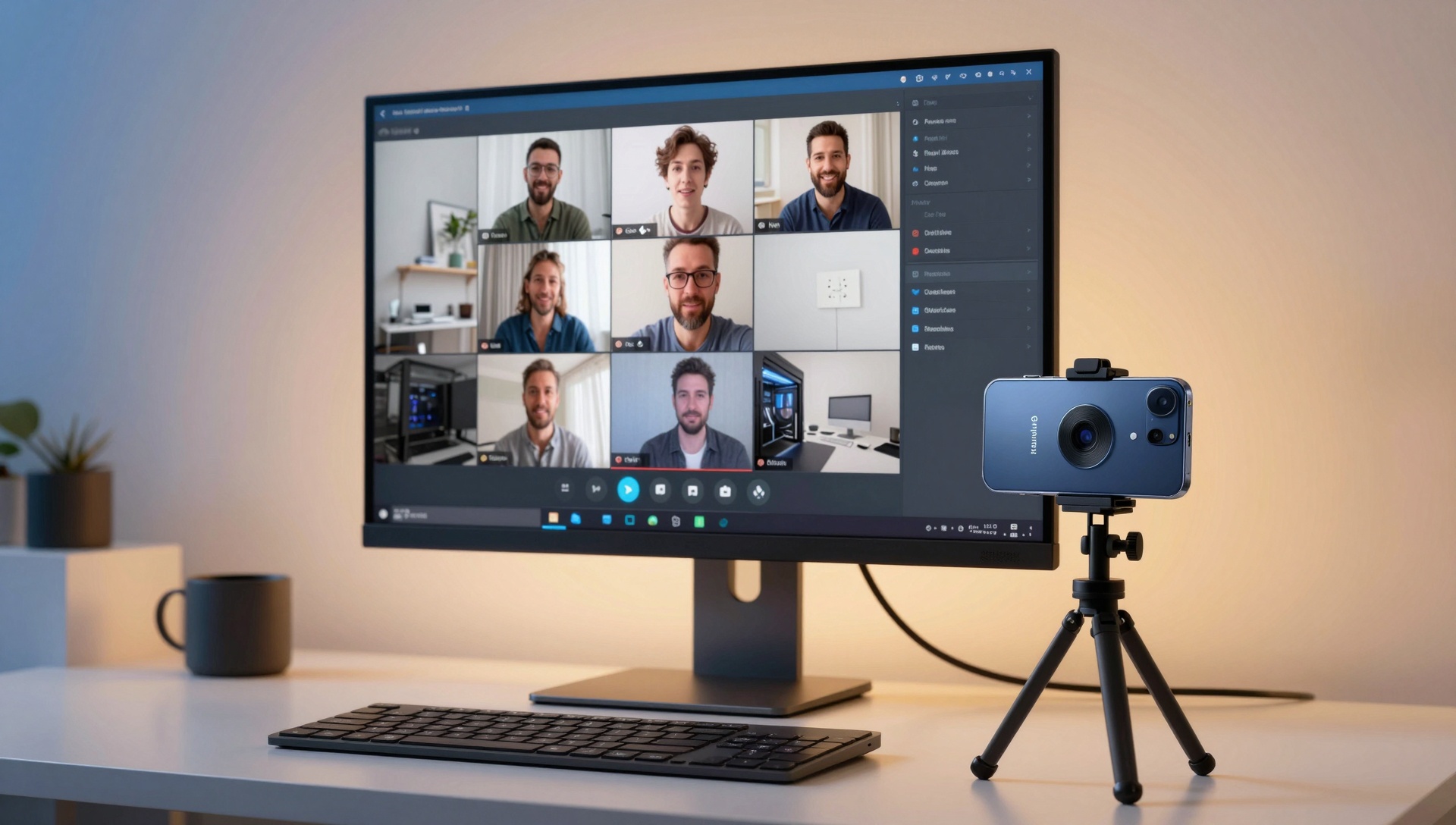
PC connected to smartphone as HD webcam for video conferencing

Trusted by Millions

Join over 5 million users who chose iVCam

5000000
Downloads
4.3
App Store Rating
78000
User Reviews
24
Languages
Free Download

Download iVCam Free

Available on iOS App Store, Google Play, and Windows.

About iVCam

What is iVCam?

iVCam is a powerful webcam application that turns your smartphone or tablet into a high-definition webcam for your Windows PC. Instead of buying an expensive dedicated webcam, iVCam lets you leverage the superior camera quality of your iPhone or Android device to enhance your video calls, live streams, and content creation.

Compatible with all major video conferencing apps including Zoom, Microsoft Teams, Google Meet, Skype, Discord, and more
Supports both wireless connection via Wi-Fi and wired connection via USB cable for maximum stability
Works with streaming software like OBS Studio, XSplit, and vMix for professional broadcasting
Enables advanced camera features unavailable on standard webcams, including manual focus, exposure control, and white balance adjustment
Allows multiple phone cameras to connect to one PC simultaneously for multi-angle streaming setups
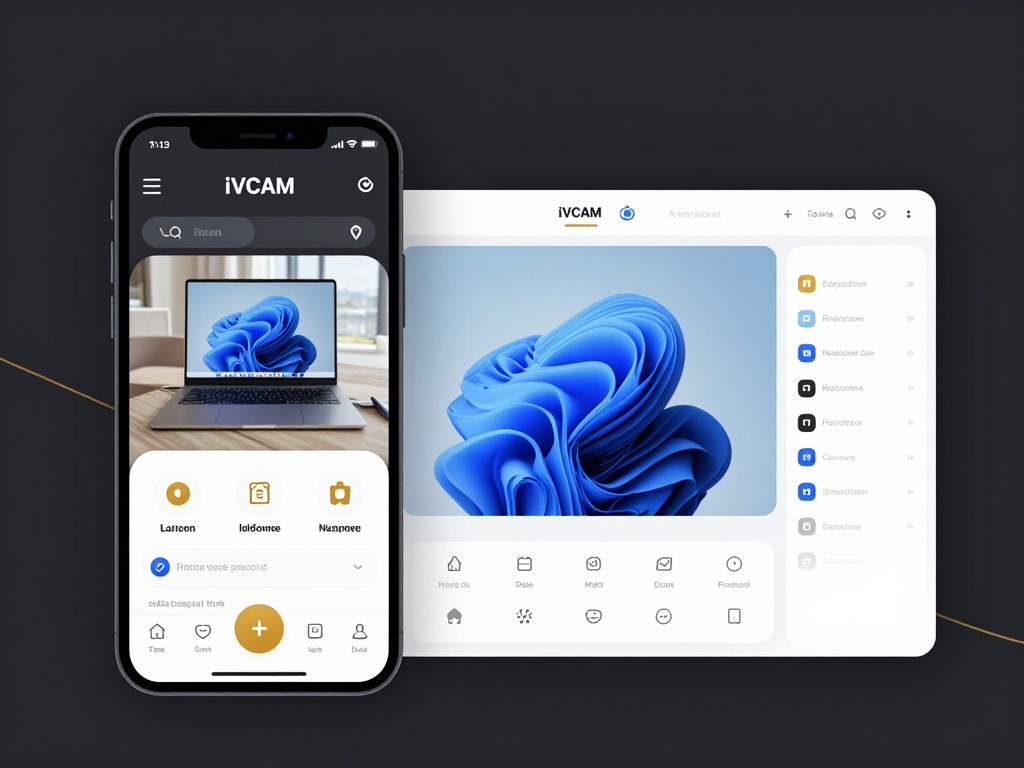
iVCam interface showing phone connected as webcam to PC
Quick Setup

How It Works

Turn your phone into a professional webcam in minutes. Follow these simple steps to get started.

1

Install the App

Download iVCam on your iPhone or Android phone from the App Store or Google Play.

2

Install the PC Client

Download and install the free iVCam client software on your Windows PC.

3

Connect Automatically

Both devices detect each other on the same Wi-Fi network. Connection is instant and automatic.

4

Start Using

iVCam appears as a webcam in all your apps β€” Zoom, OBS, Discord, Skype, and more.

Key Features

Powerful Features That Set iVCam Apart

Professional-grade capabilities in an easy-to-use application

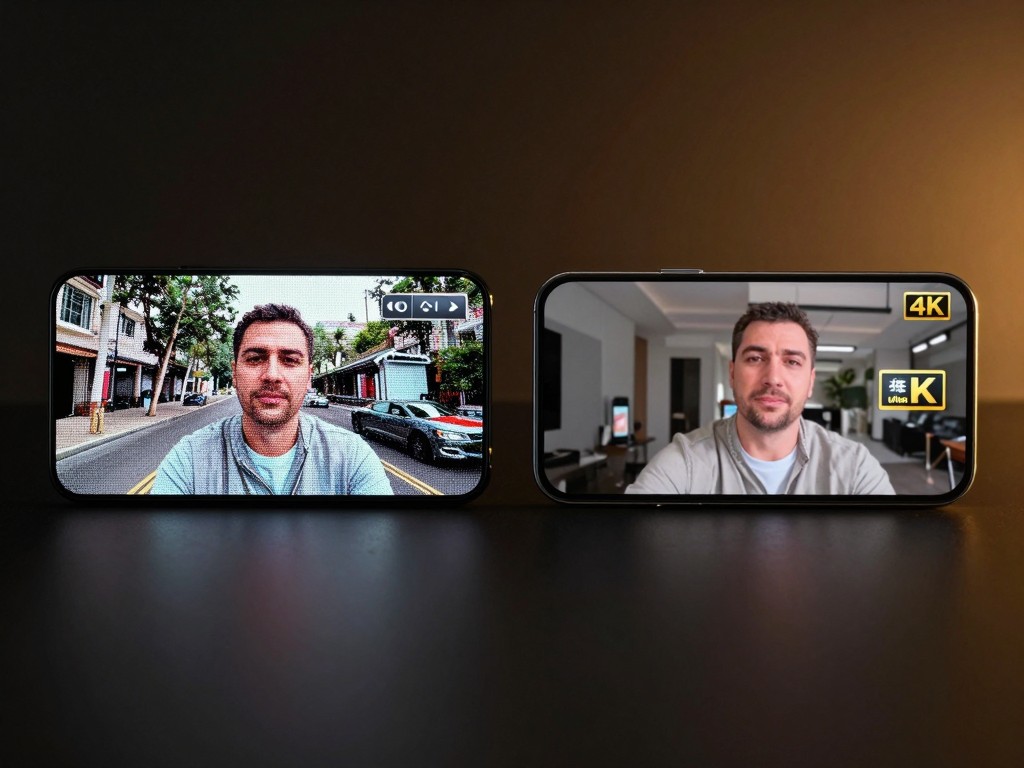
4K video quality comparison between iVCam and standard webcam
Feature 1

Ultra High-Definition Video Quality

iVCam supports video resolutions up to 4K (3840Γ—2160) at 60 frames per second, delivering crystal-clear video quality that surpasses most USB webcams on the market. Whether you're hosting a business video call, streaming gameplay, or recording tutorials, your audience will see every detail in stunning clarity. The app uses advanced HEVC (H.265) video encoding to maintain exceptional quality while minimizing bandwidth usage and ensuring smooth, lag-free transmission even on modest network connections.

Easy to Use
High Performance
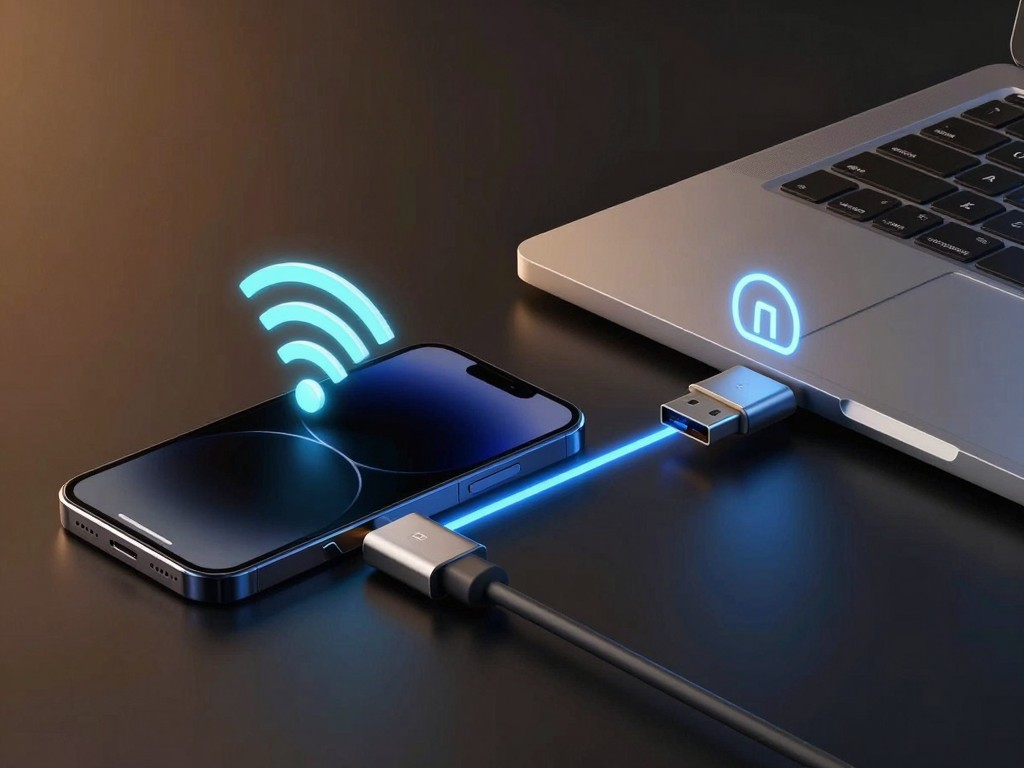
iVCam connection options Wi-Fi and USB cable
Feature 2

Flexible Connection Options: Wi-Fi & USB

iVCam offers both wireless and wired connectivity to suit your needs. Connect via Wi-Fi for maximum convenience and flexibility β€” perfect when you want to position your phone anywhere in the room. For professional streaming or recording where stability is paramount, use a USB cable connection for zero latency and rock-solid reliability. The automatic discovery feature means no complicated setup or manual IP address entry; just launch the apps on both devices and they find each other instantly.

Easy to Use
High Performance
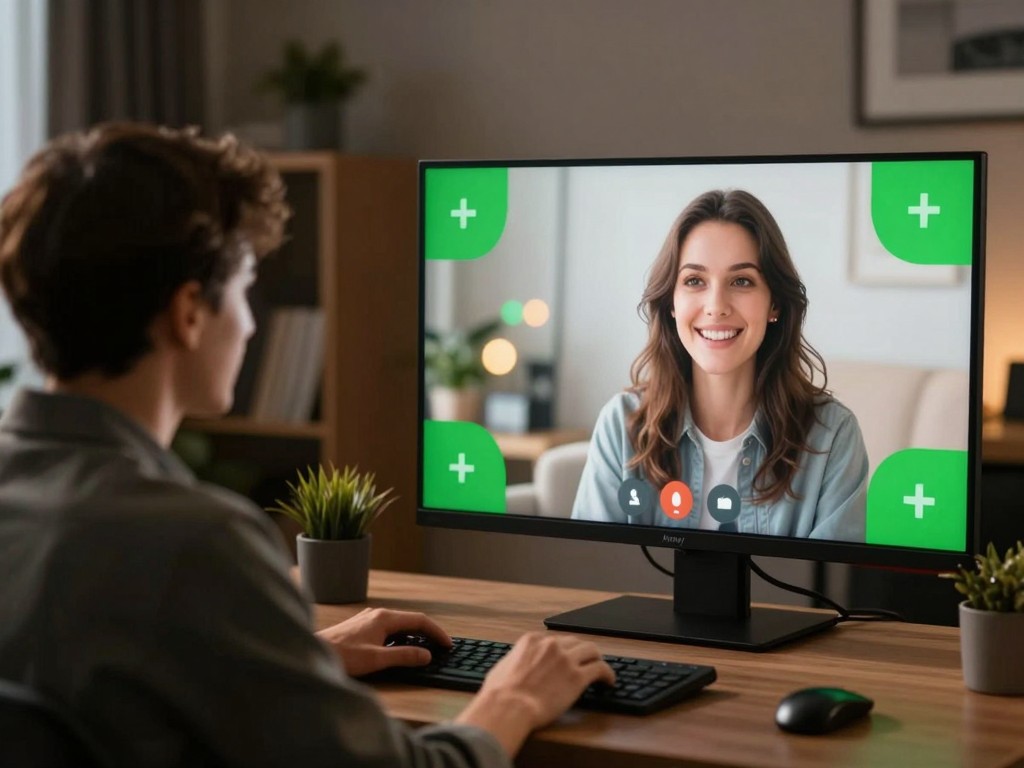
Background removal and replacement effects in iVCam
Feature 3

AI-Powered Background Removal & Effects

Transform your video presence with built-in background replacement features. Blur your background for privacy and professionalism, apply beautiful bokeh effects for a cinematic look, or use green screen mode to replace your background with any image or video. These effects run in real-time with no additional software required, and work seamlessly across all apps that use the iVCam webcam. Perfect for remote workers, content creators, and anyone who wants to look their best on camera.

Easy to Use
High Performance
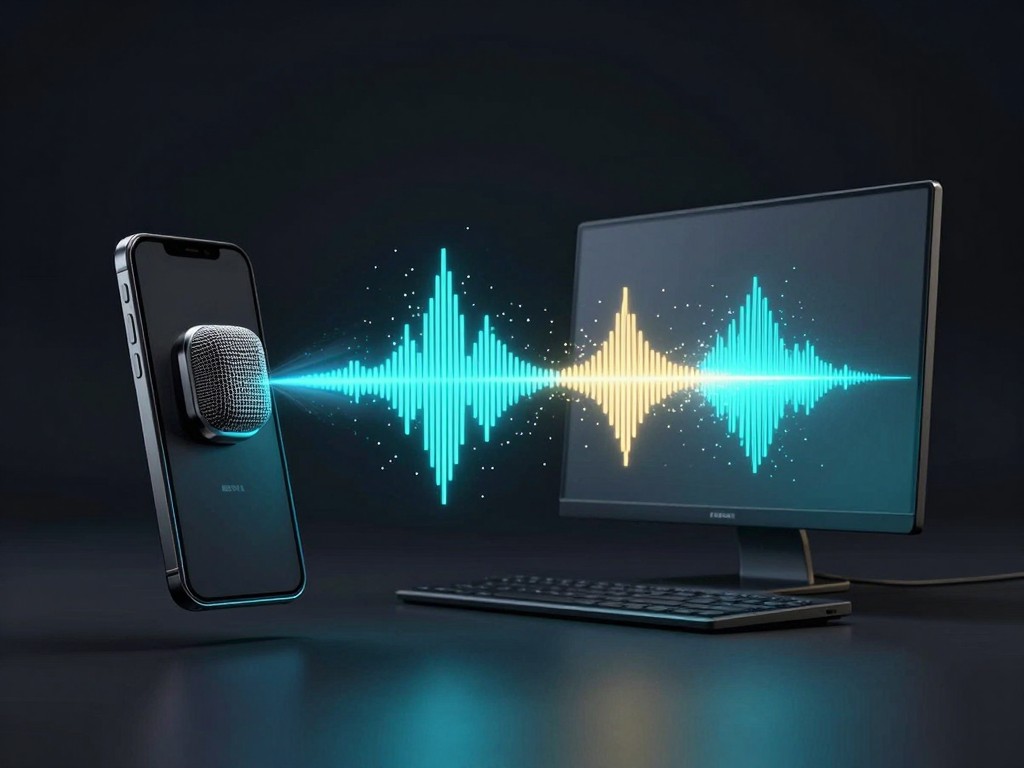
Wireless microphone feature transmitting audio to PC
Feature 4

Wireless Microphone Functionality

Beyond video, iVCam also transmits high-quality audio from your phone's microphone to your PC. This turns your smartphone into a wireless microphone, perfect for scenarios where you're far from your computer or want better audio pickup than your laptop's built-in mic can provide. The audio stream supports echo cancellation on compatible devices, ensuring your voice comes through clearly in video calls and recordings without distracting background noise or feedback.

Easy to Use
High Performance
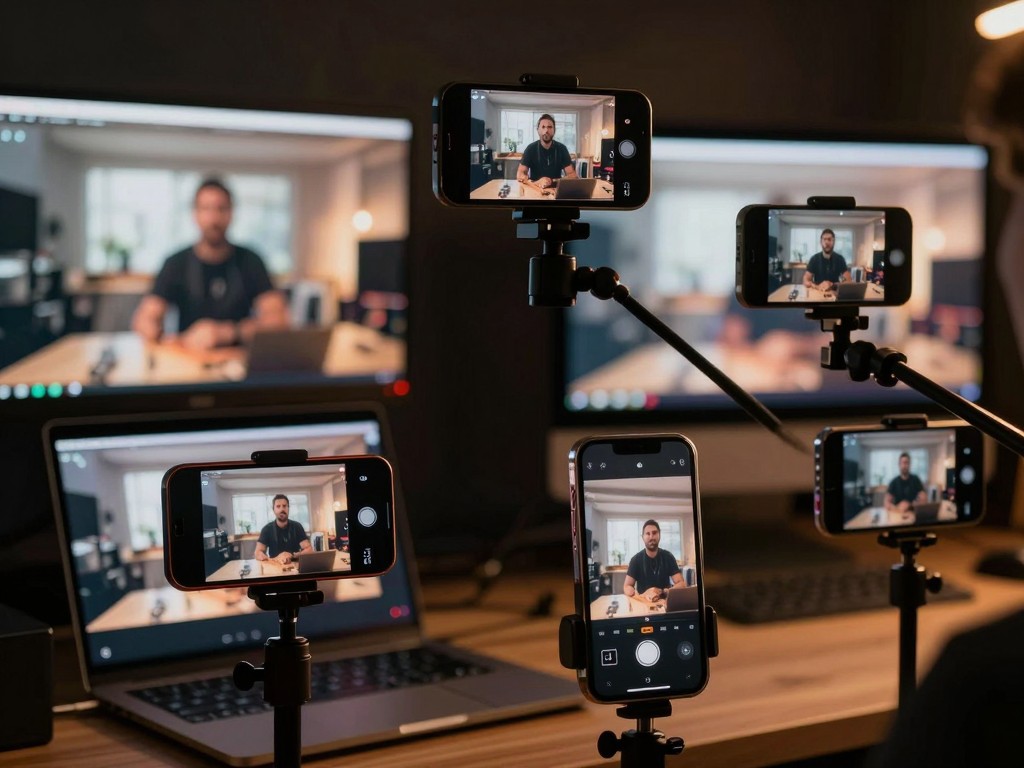
Multiple phones connected to PC for multi-angle streaming
Feature 5

Multi-Camera Setup Support

Professional streamers and content creators rejoice β€” iVCam allows you to connect multiple smartphones to a single PC simultaneously. Use different angles for dynamic live streams, switch between front and rear cameras on the fly, or combine wide-angle and telephoto shots for cinematic productions. Each connected device appears as a separate webcam in your streaming software like OBS Studio, giving you complete control over your multi-camera setup without expensive dedicated equipment.

Easy to Use
High Performance
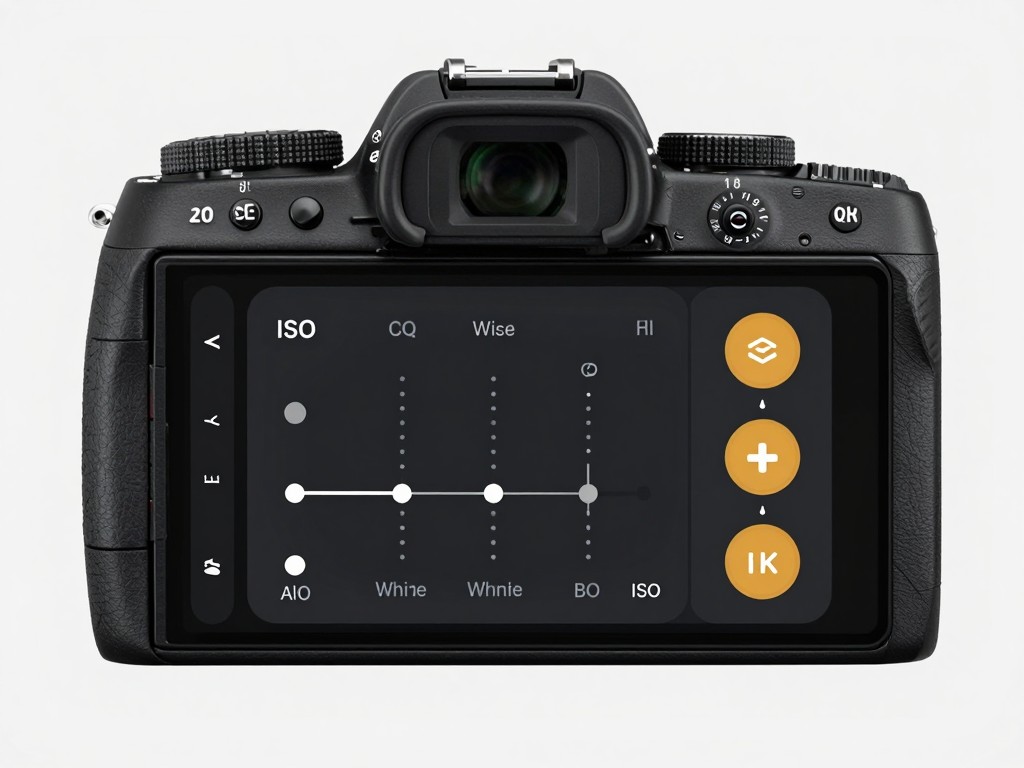
Advanced camera control interface with manual settings
Feature 6

Professional Camera Controls

Take full manual control over your camera settings just like a DSLR. Adjust exposure time (shutter speed), ISO sensitivity, exposure compensation, white balance, and zoom level with precision sliders in the app. Enable manual focus or auto-focus/auto-exposure lock for consistent results. These advanced controls let you optimize your video for any lighting condition, from bright outdoor scenes to dimly lit rooms, ensuring you always look your best regardless of the environment.

Easy to Use
High Performance
Use Cases

Perfect for Every Video Scenario

Remote Work & Video Conferencing

Use your phone as a webcam for Zoom, Teams, Google Meet, and other video call apps with superior image quality compared to built-in laptop cameras. Position your phone at the perfect angle and distance for the most flattering view.

Live Streaming & Content Creation

Stream on Twitch, YouTube, or Facebook with OBS, XSplit, or vMix using your phone's high-quality camera as a video source. Multiple camera support lets you create dynamic multi-angle productions like a professional studio.

Online Teaching & Tutorials

Record educational content, online courses, and how-to videos with 4K resolution and professional camera controls. Use the wireless feature to move freely while teaching, or mount your phone overhead for clear demonstrations of hands-on tasks.

Gaming & Let's Play Videos

Add a high-quality facecam to your gaming streams and recordings. The background removal feature keeps the focus on your reactions, while low latency ensures your expressions sync perfectly with in-game action.

Podcasting & Interviews

Use iVCam for video podcasts with multiple guests. Connect several phones for different camera angles, all recording simultaneously. The wireless microphone feature provides high-quality audio without the hassle of separate mic equipment.

Baby Monitor & Security Camera

Repurpose an old smartphone as a baby monitor or security camera. Place your phone in any room and monitor the video feed from your PC, with the ability to record video directly to your computer for later review.

Product Photography & Demonstrations

Showcase products with crystal-clear 4K video for e-commerce listings, unboxing videos, or live shopping streams. Manual camera controls let you highlight product details with perfect focus and exposure.

Virtual Events & Webinars

Host professional virtual events with multiple camera angles and high-definition video. Switch between cameras to show different speakers or presentation areas, creating an engaging experience for remote attendees.

Why Choose Us

Why Choose iVCam Over a USB Webcam?

Your phone camera is already better than most webcams

Modern smartphones have incredible cameras that far surpass typical USB webcams. iVCam lets you harness that power for video calls, streaming, and recording on your PC.

Superior Image Quality

Your phone's camera sensor delivers sharper, more colorful video than any webcam under $200

Save Money

No need to buy a separate webcam β€” use the phone you already own

Ultra-Low Latency

Real-time video with minimal delay, perfect for live streaming and video calls

Works Everywhere

Compatible with Zoom, OBS, Discord, Skype, Teams, and all webcam-enabled apps

User Reviews

What Users Say About iVCam

Trusted by millions of users worldwide

"After trying out other webcam programs, I found the features and quality on iVCam to be the best. I use an iPhone 11 clamped to my monitor and it blows away my Logitech C922 in image quality. Maybe the best $10 I've spent on an app."

M

MoonMusic NYC

Content Creator

"I got this app because I wanted a better webcam than what was integrated in my laptop. The developer provides great support and the quality is so much better than my built-in webcam. Overall this is a good app."

S

Steve S.

Remote Worker

"I installed 3 instances of iVCam for streaming a wedding and fed them into OBS. Some smooth transitions between all the views and the finished product got rave reviews. Great app for multi-camera setups!"

C

Commuter B.

Event Organizer

"Very responsive, good quality of video. I was streaming at 1080p using OBS with two cameras. Computer app was working flawlessly. The app does what it promises."

B

Brosnet

Streamer

"Works perfectly for my online classes. The video quality is excellent and the Wi-Fi connection is stable. My students always comment on how clear my video is compared to other teachers."

M

Mike T.

Remote Teacher

"I use iVCam daily for client video calls. The background blur feature is a lifesaver when working from home. Much better than buying a separate webcam."

L

Lisa P.

Freelancer

FAQ

Frequently Asked Questions

Everything you need to know about iVCam

Q

What is iVCam?

A
iVCam is a webcam app that turns your iPhone or Android phone into an HD webcam for your Windows PC. It supports video up to 4K resolution, connects via Wi-Fi or USB, and works with all webcam-enabled applications like Zoom, OBS, Discord, and Skype.
Q

Is iVCam free?

A
Yes, iVCam is free to download and use. The free version includes a small watermark and occasional ads. You can purchase a license to remove the watermark and ads, starting at $7.99/year.
Q

Is iVCam safe to use?

A
Yes, iVCam is completely safe. It has been downloaded over 5 million times, has a 4.3 rating on the App Store with 15,000+ reviews, and a 4.1 rating on Google Play with 63,000+ reviews. The app only connects to your local network and does not collect personal data.
Q

How do I connect iVCam to my PC?

A
Simply install the iVCam app on your phone and the PC client software on your Windows computer. When both are on the same Wi-Fi network, they connect automatically. You can also connect via USB for a more stable connection.
Q

Does iVCam work with Mac?

A
iVCam currently supports Windows PC as the primary platform. Mac support is available through the iOS app running on Apple Silicon Macs. Check our download page for the latest platform availability.
Q

How do I remove the iVCam watermark?

A
Purchase any iVCam license (Basic Annual at $7.99, Premium Annual at $12.99, or Permanent at $24.99) to remove the watermark and ads. You can purchase directly within the app or through our website.